iPhone Face ID Not Working After a Drop or Screen Damage: Can It Be Repaired?
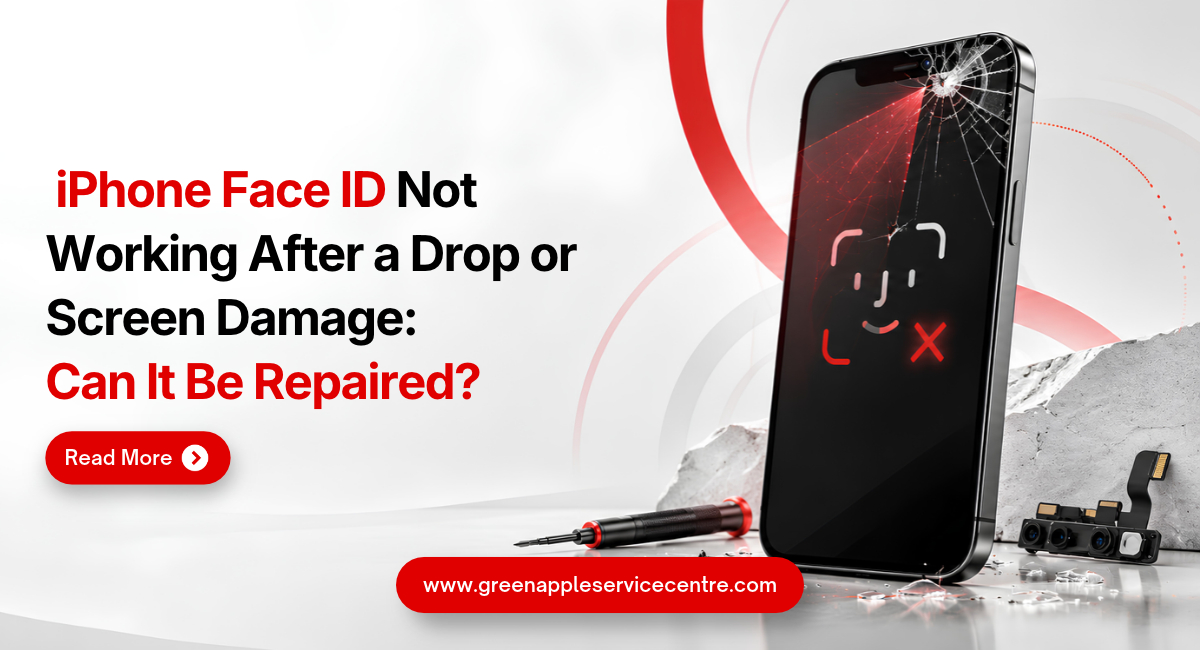
Table of content
1. Introduction
2. How Does Face ID Work on an iPhone?
3. Why Does Face ID Stop Working After a Drop?
4. How Can Screen Damage Affect Face ID?
5. Why Face ID May Fail After Screen Replacement
6. Safe Checks to Try Before Repair
7. Can Damaged Face ID Be Repaired?
8. How to Protect Your iPhone and Personal Data
9. Conclusion
10.Frequently Asked Questions
Introduction
Dropping an iPhone can cause more than a cracked screen. The phone may look normal from outside, but Face ID may suddenly stop recognising you. You might also see a Face ID unavailable message or find that the setup process does not move forward.
If your iPhone Face ID is not working after a drop, the cause may be a blocked sensor, damaged screen or a problem with the TrueDepth camera system. You can check some simple issues at home, but internal damage needs professional attention. This guide explains how Face ID works, why it may fail after physical damage and which safe steps you can try. It also helps you know when you need professional repair.
How Does Face ID Work on an iPhone?
Face ID uses the TrueDepth camera system located near the top of the iPhone display. This system contains several small sensors that work together to recognise the shape and details of your face. When you look at the phone, the system creates a depth map and checks it against the facial information saved securely on the device. If the details match, the iPhone unlocks. Face ID is also used to approve payments, download applications and sign in to supported accounts. This is why a fault can affect more than unlocking the screen.
The front selfie camera is only one part of the system. A working selfie camera does not always mean that every Face ID sensor is functioning correctly. The TrueDepth system contains delicate parts that must stay properly aligned. A strong impact, poor repair or damaged connection may affect how these parts communicate with the iPhone. Apple provides more information about the sensors and security process in its guide to Face ID technology.
Why Does Face ID Stop Working After a Drop?
An iPhone may continue working after a fall but still develop an internal fault. The impact can loosen a connector, damage a sensor or affect the position of a TrueDepth component. A small change in alignment may prevent the sensors from reading a face correctly. The phone may repeatedly ask you to move your head or place your face inside the frame without completing the setup.
If you see iPhone Face ID unavailable, restart the device and try again. A temporary software error may disappear after a restart. However, repeated alerts after a fall can point to physical damage. Check whether the front camera works and whether Portrait mode produces normal results. Also notice whether the earpiece speaker, proximity sensor or automatic screen brightness has changed after the drop. A hard fall may cause several faults at the same time. For example, the display may crack while a sensor connection behind it becomes loose. This is why a proper diagnosis is important before any part is replaced. Do not press or tap the top of the screen to make Face ID work. Extra pressure can increase existing display or sensor damage.
How Can Screen Damage Affect Face ID?
The Face ID sensors look through the area near the top of the screen. A crack, dark patch or damaged display layer in this area may block the system’s view. A thick or badly fitted screen protector can also cover part of the TrueDepth camera. Dust, oil and dirt around the top edge may cause a similar problem.
When Face ID is not working after screen damage, clean the top part of the display gently with a soft and dry cloth. Remove a damaged screen protector and test the feature again. Look carefully for cracks around the front camera and sensor area. Even a small crack may affect light or sensor performance if it passes directly over the TrueDepth system. Screen damage does not always mean that the Face ID parts are broken. The problem may be limited to the display or a loose connection. A technician should inspect the phone before recommending screen or camera replacement. Avoid using liquid cleaner directly on the damaged screen. Moisture can enter through a crack and reach the sensitive parts below it.
Why Face ID May Fail After Screen Replacement
Some users find Face ID not working after screen replacement, even though it worked before the repair. This may happen if a sensor was damaged, moved or disconnected while the screen was being changed. The parts near the earpiece and front camera require careful handling. A small tear in a cable or incorrect fitting can affect the TrueDepth system. Face ID may also remain unavailable if a supported replacement process has not been completed properly. Certain camera repairs require verification or calibration before Face ID can be used again.
Apple explains that an incomplete TrueDepth camera repair may show Finish Repair in Parts and Service History. Face ID may remain unavailable until the required process is completed. You can read Apple’s guidance about genuine iPhone front cameras. Return to the repair provider if the problem began immediately after screen replacement. Explain that Face ID worked before the repair and ask for the screen connections and sensor assembly to be checked. Do not try to open the phone yourself. The cables and sensors in this area are delicate, and further damage may make the repair more difficult.
Safe Checks to Try Before Taking the iPhone for Repair
Start by cleaning the front camera and sensor area with a soft cloth. Remove any case or screen protector that may be covering the top of the display. Restart the iPhone and enter your passcode. Try Face ID again after the phone turns on. Make sure that your eyes, nose and mouth are clearly visible. Open Settings and select Face ID & Passcode. Check whether iPhone Unlock and the other required options are switched on.
If Face ID still does not work, select Reset Face ID. Try setting it up again in a well-lit place while holding the phone at a comfortable distance. Install any available iOS update. Software updates may correct temporary system errors, but they cannot repair a physically damaged sensor. If setup repeatedly stops or asks you to move the phone without scanning your face, avoid trying many times. The device may require professional inspection. Apple’s official Face ID troubleshooting guide also recommends checking settings, removing anything that covers the camera, restarting the phone and resetting Face ID before arranging service.
Can Damaged Face ID Be Repaired?
Face ID can sometimes be restored, but the correct solution depends on the damaged part. A blocked sensor or loose connection may be easier to correct than a physically damaged TrueDepth component. An iPhone TrueDepth camera repair requires careful diagnosis and suitable tools. The technician must identify whether the fault involves the screen, front camera system, sensor connection or another internal component.
The full camera system should not be replaced based only on an alert. A proper inspection may show that the issue comes from a screen protector, damaged display or incomplete previous repair. Ask the repair provider whether the required verification or calibration process is supported. You should also confirm the repair cost, expected time and warranty before approving the work. Face ID protects sensitive information and payment access. Apple advises that only trained technicians should service its laser-based sensor system. An incorrect repair may affect normal operation and safety. For diagnosis and repair options, visit iPhone Repair in Bangalore. Explain whether the issue started after a drop, screen damage or a previous repair so the technician can inspect the right areas.
How to Protect Your iPhone and Personal Data
Back up your iPhone before handing it over for repair. You can use iCloud or a computer to save important photos, contacts and documents. Do not share banking passwords, email passwords or one-time verification codes. Ask the technician why the phone passcode is required and whether you can enter it yourself during testing.
Choose a repair provider that offers clear diagnosis, pricing and warranty information. Collect an invoice that mentions the device model and completed repair. After the service, test Face ID several times. Check the front camera, earpiece, screen touch, brightness and proximity sensor during a call.You can also open Settings, select General and tap About to review Parts and Service History on supported iPhone models. To learn more about available Apple device services, visit the Green Apple Service Center website.
Conclusion: Get Face ID Checked After Physical Damage
Face ID may stop working after a drop because the screen, sensor connection or TrueDepth camera has been affected. Begin with simple checks such as cleaning the sensor area, removing the screen protector, restarting the phone and resetting Face ID. If the problem continues, avoid opening the device or trying unverified repair methods.
If your iPhone Face ID is not working after a drop, Green Apple Service Center can inspect your device and help identify the possible issue. For assistance with Face ID problems and iPhone repairs in Bangalore, contact us to connect with our team.
Frequently Asked Questions
Should I reset my iPhone to fix Face ID?
Try restarting and resetting Face ID first. A full factory reset is unlikely to fix physical damage and may erase your data if you do not have a backup.
Can I use my iPhone without Face ID?
Yes. You can unlock the phone and approve many actions with your passcode. However, Face ID will remain unavailable until the fault is resolved.
Why does my iPhone say Face ID is unavailable?
The message may appear because of a temporary software problem, blocked sensor, damaged component or incomplete camera repair.
Can replacing the screen fix Face ID?
Screen replacement may help if damaged glass or the display is blocking the sensors. It will not fix a damaged TrueDepth component.
Can Face ID stop working even if the screen is not cracked?
Yes. A drop can damage or loosen an internal sensor connection even when the outer screen looks normal.

Nishanth Mathur
Hi! I'm Nishanth Mathur, a freelance tech writer and content marketer. I specialize in creating content for tech companies, with a focus on MacBooks and AI technologies. Whether it's writing in-depth articles, crafting engaging marketing content, or exploring the latest in technology, I'm passionate about bringing complex topics to a wide audience.