“Unknown Part” Message on iPhone After Repair: What Does It Mean and Should You Worry?
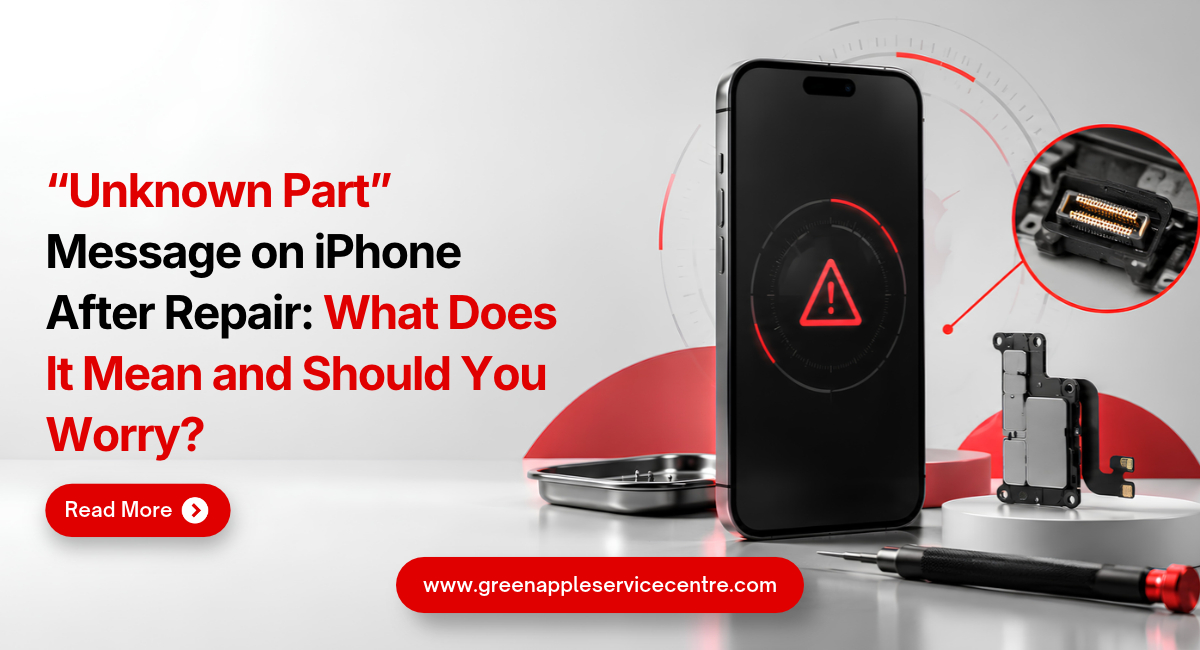
Table of content
1. Introduction
2. What Does the Unknown Part Message Mean?
3. Why Does the Unknown Part Message Appear?
4. Why Does It Appear After Screen Replacement?
5. Battery and Display Messages Explained
6. How to Check Parts and Service History
7. Does the Message Affect Your iPhone?
8. What Should You Do After Seeing the Message?
9. Conclusion
10.Frequently Asked Questions
Introduction
You collect your iPhone after a screen or battery repair and notice a message saying that a part cannot be recognised. This can be worrying, especially when the phone appears to work normally. You may wonder whether the replacement part is unsafe or whether your iPhone will stop working.
The iPhone Unknown Part message provides information about a replaced component. It may appear when the part is not genuine, is not working correctly or has not been properly verified after repair. The message does not always mean that the phone is unusable. This guide explains why it appears, how to check your repair history and what you should do if you see it after a repair.
What Does the iPhone Unknown Part Message Mean?
The message means that the iPhone cannot fully verify one of its repaired or replaced parts. Depending on the model, the notice may relate to the battery, display, camera or another supported component. Apple connects certain parts with the iPhone during the manufacturing or repair process. The system uses stored information to identify the component and confirm whether the repair process has been completed.
An Unknown label may appear when the installed part is not genuine. It may also appear when a genuine part has not been correctly verified, linked or calibrated with the device. The message can also appear if the replacement component is damaged or is not working as expected. This is why users should not assume that every Unknown message has the same cause. Apple explains that these notices generally do not stop you from using the phone. However, the replaced part may not work exactly as expected in some cases. You can read more in Apple’s official guide to iPhone Parts and Service History.
Why Does the Unknown Part Message Appear?
One common reason is the use of a third-party replacement part. The iPhone may not be able to verify such a component through Apple’s system. A previously used part can also produce a different repair status. On supported models and software versions, a part taken from another iPhone may be shown as Used instead of Genuine.
The repair may also be incomplete. A new part sometimes requires a final software step so that it can be properly recognised and calibrated. If this step has not been completed, the phone may show Finish Repair or another service notice. A loose connection or a faulty component may lead to the same problem. For example, the screen may turn on normally but still have an internal issue that prevents proper communication with the phone. Software also matters. The words shown on the screen may differ according to the iPhone model and iOS version. Older versions may display an important battery or display notice instead of the newer Unknown label.
Why Does the Message Appear After Screen Replacement?
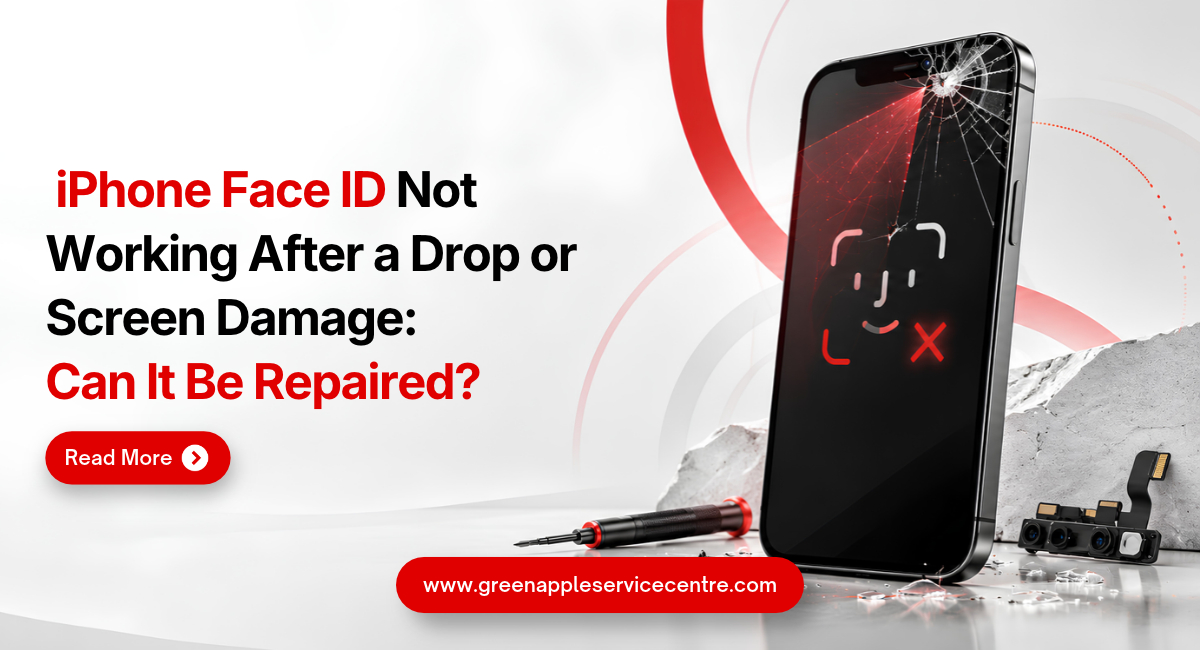
An Unknown Part message after screen replacement can appear when the iPhone cannot verify the newly installed display. This may happen with a non-genuine screen, a previously used screen or an incomplete repair process. The display may still show pictures and respond to touch. However, some features may not work in the same way as they did before the repair. You may notice changes in brightness, colour, touch response or other display functions.
The message itself does not automatically prove that the screen is poor quality. A genuine component that has not been properly verified may also create a notice. The repair provider should inspect the phone and explain the exact reason instead of making a quick assumption. After screen repair, test touch response across the full display. Check the brightness, colours, front camera, earpiece speaker and proximity sensor during a call. This helps you identify any practical problem apart from the message. For professional diagnosis and repair options, visit iPhone Repair in Bangalore. Always ask about the screen type, warranty and verification process before approving a replacement.
Important Battery and Display Messages Explained
An Important display message on iPhone may state that the device is unable to verify whether the screen is a genuine Apple display. This wording is commonly seen on certain models or earlier iOS versions. The notice may first appear on the Lock Screen and later remain available in Settings. It is mainly meant to inform the user about the repair status of the component. An Important battery message on iPhone may appear after a battery replacement when the device cannot verify the installed battery. In some cases, battery health information may not be available.
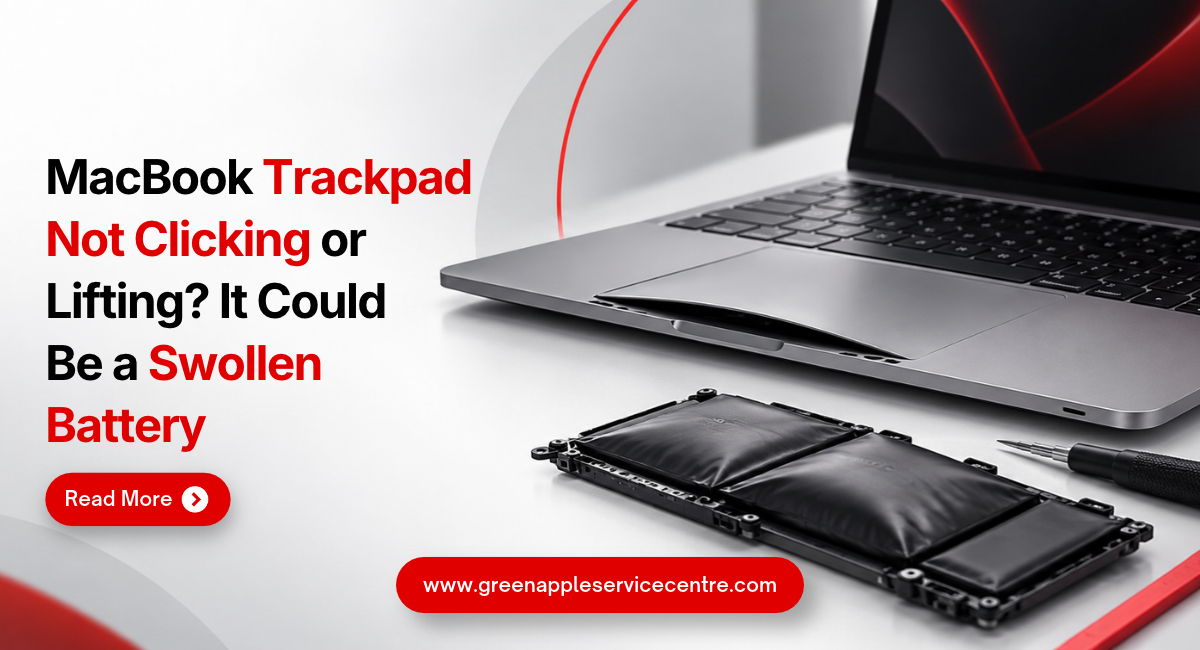
A battery can still charge and power the phone even when this notice appears. However, you should watch for fast battery drain, unusual heating, unexpected shutdowns or swelling. These symptoms require professional inspection. The message should not be treated as a simple error that can always be removed by restarting the phone. If it is connected to part verification or calibration, a normal restart or software update may not solve it. Apple provides more details about battery quality, safety and repair information in its guide to genuine iPhone batteries.
How to Check iPhone Parts and Service History
The iPhone Parts and Service History section allows you to view available information about previous repairs. The parts shown depend on the iPhone model and the installed iOS version. Open Settings and select General. Tap About and look for the Parts and Service History section. This section usually appears only when the phone has recorded a supported repair or replacement.
You may see labels such as Genuine, Used, Unknown or Finish Repair. Genuine means the service was completed using recognised parts and processes. Used may indicate that the component was installed in another iPhone before. Unknown means that the phone cannot verify the part. Finish Repair may mean that a final repair step is still pending. Tap the listed component to see whether more details are available. If the section does not appear, it does not always mean that the device has never been repaired. Repair information depends on the model, part and software version. This feature is also useful when purchasing a second-hand iPhone. It can help you understand whether major parts have been replaced before you make a decision.
Does the Message Affect Your iPhone?
In many cases, the message does not stop the phone from making calls, opening applications or using mobile data. The device may continue working normally. However, the replaced part may not provide the same performance as before. A display may have changes in touch response, brightness or colour. A battery may give less accurate health information or behave differently during charging. Certain features may also depend on proper calibration. This is why the actual performance of the phone should be checked instead of focusing only on the message.
The repair record may be visible to a future buyer. An Unknown label can affect buyer confidence or the resale value of the device because the repair history is not fully verified. Do not ignore physical warning signs. A lifting screen, swollen battery, overheating phone, flickering display or poor touch response needs immediate attention. These problems are more important than the notification itself.
What Should You Do After Seeing the Message?
First, return to the repair provider and ask what part was installed. Request a clear explanation of its source, quality and warranty. Show the message to the technician. Ask whether the repair needs a final calibration or verification step. If the part is faulty or the repair is incomplete, it should be inspected. Test the repaired function carefully. After a screen replacement, check touch, brightness, colours and sensors. After a battery replacement, monitor charging, heat, battery drain and unexpected shutdowns.
Keep the repair invoice and warranty details safely. The invoice should mention the phone model, replaced part, repair date and amount paid. Do not download unknown applications or pay someone who promises to remove the message through an unofficial software trick. Such methods may create privacy or security risks without fixing the actual cause. If you need another assessment, visit the Green Apple Service Center website to learn about available inspection and repair services.
Conclusion: Understand the Message Before You Worry
An Unknown Part notice does not always mean that your iPhone will stop working. It means the device cannot fully verify a replaced component. The reason may be a third-party part, a previously used component, an unfinished repair step or a part that is not working correctly. Check the phone’s performance and speak to the repair provider before making a decision.
If you see an iPhone Unknown Part message after a repair, Green Apple Service Center can inspect the device and explain the possible cause in simple language. Contact us to know more about iPhone diagnosis and repair services in Bangalore.
Frequently Asked Questions
Will an Unknown Part message affect my iPhone’s resale value?
It may affect buyer confidence because the repair history is visible in Settings. The practical effect depends on the phone’s condition and how well the replaced part works.
Can a software update remove the Unknown Part message?
A normal update may not remove a message related to part verification. The repair provider should check whether calibration or another repair step is required.
Does the message mean that the replacement part is fake?
Not always. It may appear for a non-genuine part, an unverified part, a faulty component or an incomplete repair process.
Can I continue using my iPhone with an Unknown Part message?
Yes, the phone may continue working. However, test the replaced component and watch for problems such as heating, poor touch response or fast battery drain.
Will the Unknown Part message disappear on its own?
The notification may stop appearing regularly, but the repair information can remain in Settings. It may not disappear if the part cannot be verified.

Nishanth Mathur
Hi! I'm Nishanth Mathur, a freelance tech writer and content marketer. I specialize in creating content for tech companies, with a focus on MacBooks and AI technologies. Whether it's writing in-depth articles, crafting engaging marketing content, or exploring the latest in technology, I'm passionate about bringing complex topics to a wide audience.