MacBook Screen Repair in Bangalore: Cracked, Flickering or Black Screen? Here’s What to Do
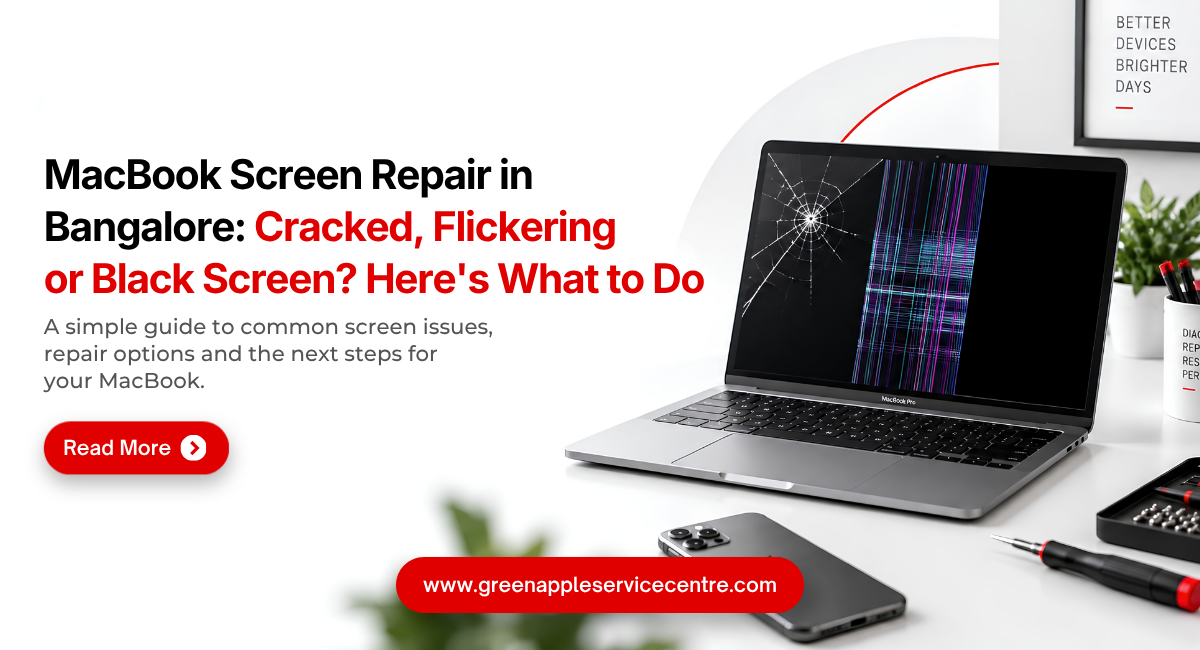
Table of content
Introduction
The MacBook display is one of the most important parts of the device. A clear and responsive screen is essential for everyday work, video calls, design, entertainment and study. When the display cracks, starts flickering, or suddenly becomes black, it can make the MacBook difficult to use.
The good news is that not every display problem requires the same solution. Some issues may be related to software or connections, while physical damage may require MacBook screen replacement. If you are looking for MacBook screen repair in Bangalore, understanding the symptoms can help you explain the problem clearly and make a better repair decision.
What Causes a Cracked MacBook Screen?
Physical impact is a common cause of MacBook screen damage. A laptop can fall from a table, receive pressure inside a bag or close with a small object trapped between the keyboard and display.
Even when the outer surface does not appear severely damaged, internal display layers can be affected. You may notice lines, dark patches, unusual colours or areas where the image is no longer visible.
If the display is physically damaged, avoid pressing the cracked area. A professional MacBook cracked screen repair assessment can determine the extent of damage and whether MacBook display replacement is necessary.
Why Is My MacBook Screen Flickering?
Screen flickering can appear as repeated flashing, brightness changes or an unstable image. It may occur occasionally or become frequent enough to affect normal use.
The cause can vary. Software settings, operating system issues, display connections, or hardware problems may be involved. Because several faults can produce similar symptoms, replacing the screen immediately is not always the right first step.
Restarting the MacBook and installing appropriate system updates may help when the issue is software-related. If flickering continues, professional MacBook display repair diagnosis is recommended.
What Does a Black MacBook Screen Mean?
A black screen can be particularly confusing because it may look like the entire MacBook has stopped working. First, determine whether the MacBook shows other signs of power. Depending on the model and situation, you may notice sounds, keyboard activity or other indications that the device is operating.
If the MacBook is running but no image appears, the problem may involve the display system. If the device shows no signs of power at all, the fault may be related to charging, battery or internal hardware rather than the screen. A proper MacBook repair service in Bangalore can test both the display and power system before recommending repairs.
Lines and Distorted Colours on the Screen
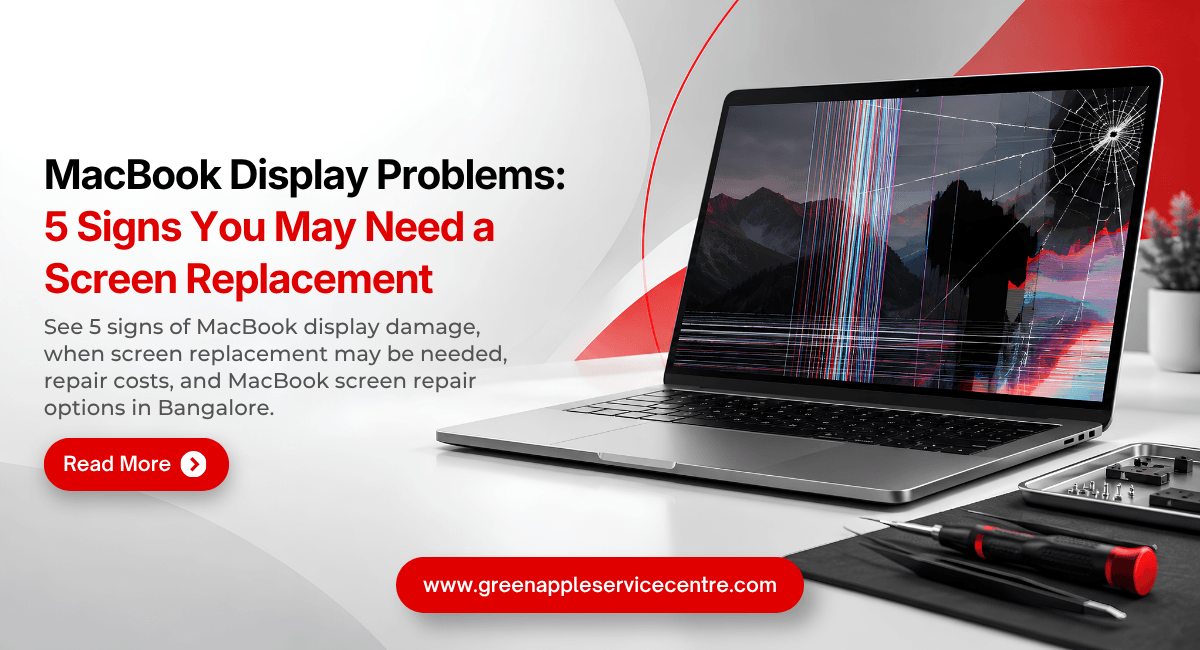
Horizontal lines, vertical lines, distorted colours and unusual patches can indicate display damage. These symptoms may appear after physical impact but can also develop without an obvious accident.
Do not assume that software will fix persistent lines or areas of physical display damage. A technician can determine whether the issue is related to the display panel, connection or another component.
If replacement is necessary, ask about the exact component being installed. A suitable MacBook display replacement should be compatible with the particular MacBook model.
When Is MacBook Screen Replacement Necessary?
The decision between repair and replacement depends on the type of damage. Severe cracks, damaged display layers or major panel failure may require MacBook screen replacement.
However, a technician should inspect the MacBook before making that decision. A screen that appears faulty may sometimes have a different underlying cause. When considering MacBook screen replacement in Bangalore, ask for a diagnosis and a clear explanation of why replacement is recommended.
You should also ask about the expected display quality, component compatibility and warranty.
Understanding MacBook Screen Replacement Cost in Bangalore
The MacBook screen replacement cost is not the same for every model. MacBook Air and MacBook Pro models use different displays. Screen size, model year, display technology and replacement components can all affect the price.
The extent of damage also matters. A simple issue and complete display assembly damage may require very different work. For this reason, it is better to get a model-specific estimate after diagnosis rather than rely on a general price found online.
Ask whether the quoted price includes both the component and labour. This makes it easier to understand the complete MacBook repair cost before approving the service.
Should You Continue Using a Cracked MacBook Screen?
A small crack may initially seem harmless, but damage can become more disruptive over time. Lines, dark areas or display instability may spread depending on the nature of the damage.
A damaged screen can also make everyday work uncomfortable. If sharp or loose material is present, extra care is required.
Instead of continuing to use a severely damaged display, arrange a professional inspection. Early MacBook screen repair in Bangalore can help you understand your options before the problem becomes more difficult to manage.
Choosing a MacBook Screen Repair Service in Bangalore
When looking for MacBook repair Bangalore, choose a provider with experience in MacBook display work. Ask whether the technician will diagnose the problem before replacing the screen.
You may find options by searching for MacBook service centre Kammanahalli depending on your location.
You may also consider an Apple service centre in Kammanahalli. If you specifically want Apple-authorised repair, verify the service provider's current authorisation through Apple rather than relying only on the business name.
How to Protect Your MacBook Screen
Prevention is often easier than dealing with display damage. Carry the MacBook in a protective sleeve and avoid placing heavy objects on top of it. Before closing the lid, make sure nothing is resting on the keyboard. Small objects can place concentrated pressure on the display.
Handle the MacBook by its base rather than putting unnecessary pressure on the screen. These simple habits can reduce the risk of accidental damage.
Conclusion
A cracked, flickering or black MacBook screen should not be ignored. The symptoms may come from physical damage, display hardware or another part of the device.
Instead of assuming that replacement is necessary, choose professional MacBook service in Bangalore and have the problem diagnosed. If MacBook screen replacement in Bangalore is required, understand the component quality, compatibility, warranty and total cost before proceeding.
Don’t replace the display before knowing the actual problem. Get your MacBook diagnosed by experienced technicians at Green Apple Service Centre for reliable MacBook screen repair in Bangalore.
Whether you need cracked-screen repair, display diagnosis or complete MacBook screen replacement, get a clear explanation of the issue, repair option and expected cost before proceeding.
📞 Call: +91 89511 82986
🌐 Visit: www.greenappleservice.com
📍 Service available across Bangalore, including Kammanahalli and nearby areas.
Book your MacBook screen diagnosis today.
Frequently Asked Questions
Where should I get my MacBook screen repaired in Bangalore?
Choose a service provider experienced with your MacBook model and compare diagnosis, component quality, warranty and pricing before approving the repair.
Does a black screen always mean the screen is damaged?
No. A black screen can also be caused by power or internal hardware issues. Diagnosis is necessary before replacing the display.
How much does MacBook screen replacement cost?
The MacBook screen replacement cost depends on the exact model, screen specification, damage and replacement component.
Why does my MacBook screen keep flickering?
Flickering may be related to software, display connections or hardware. Professional MacBook display repair diagnosis can identify the cause.
Can a cracked MacBook screen be repaired in bangalore?
Yes, but the repair method depends on the extent of damage. Significant panel damage may require MacBook screen replacement.

Nishanth Mathur
Hi! I'm Nishanth Mathur, a freelance tech writer and content marketer. I specialize in creating content for tech companies, with a focus on MacBooks and AI technologies. Whether it's writing in-depth articles, crafting engaging marketing content, or exploring the latest in technology, I'm passionate about bringing complex topics to a wide audience.