Cracked iPhone Screen: Repair or Replace the Display?
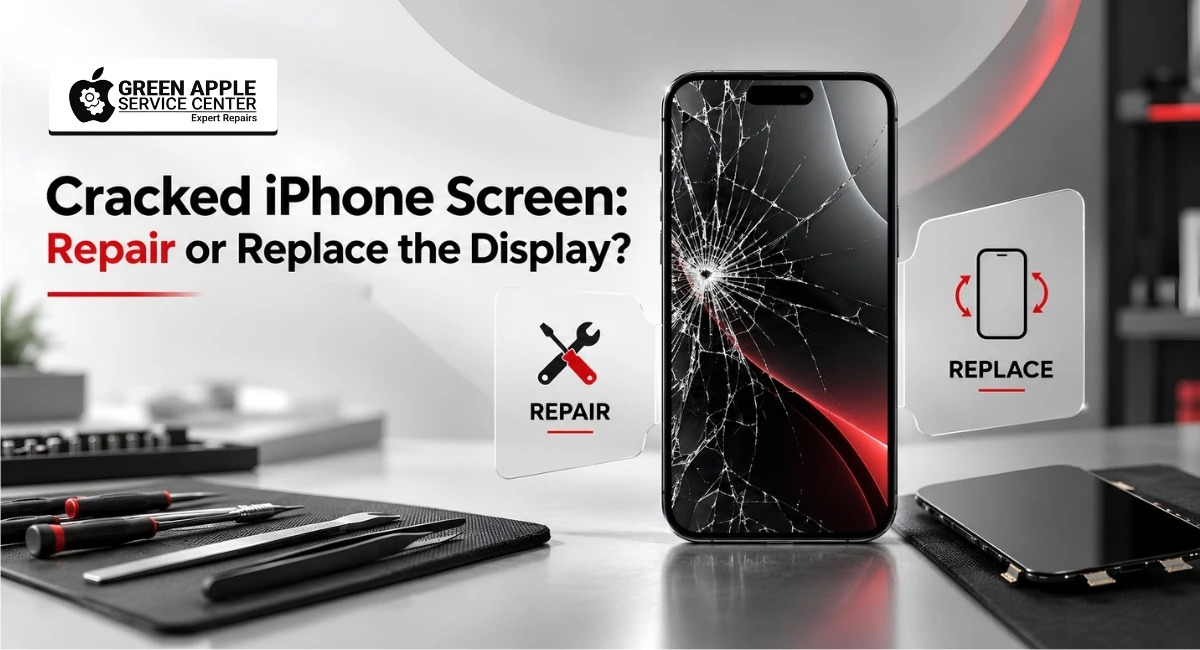
Table of content
Introduction
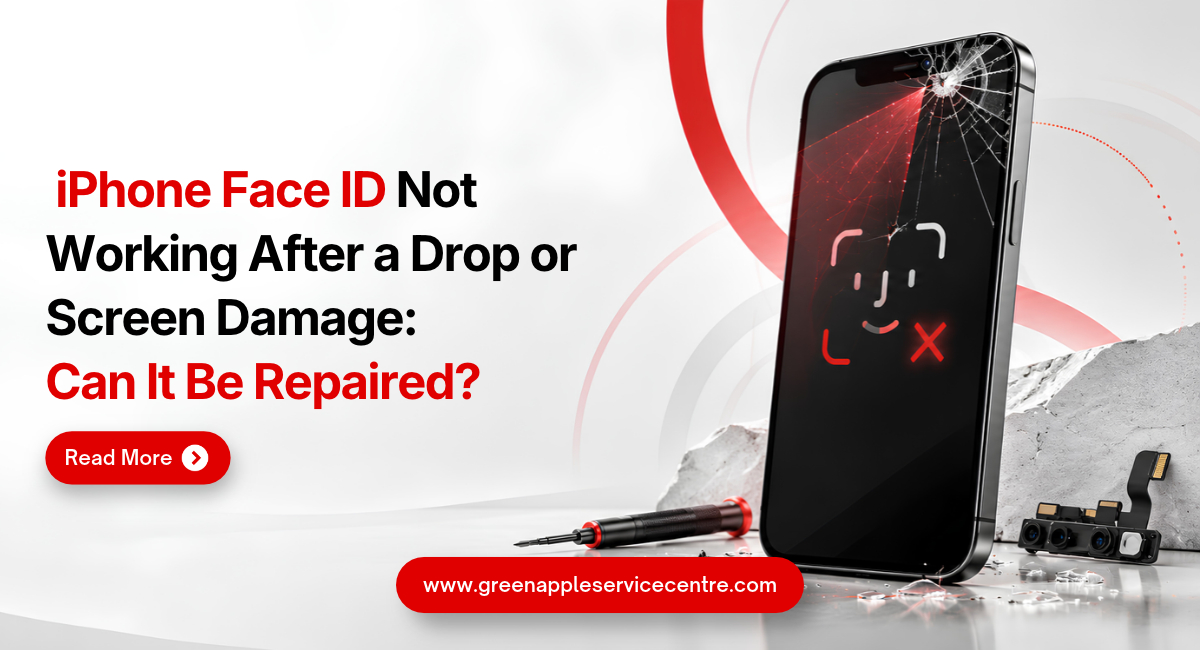
Dropping your iPhone can happen in seconds. You pick it up, look at the screen and hope the damage is only a small crack. Sometimes the phone continues working normally. In other cases, you may notice black spots, coloured lines, flickering or touch problems.
The important question is: Does your iPhone need only screen glass repair, or should the complete display be replaced?
If you are looking for iPhone screen repair in Bangalore, understanding the type of damage before booking a repair can help you avoid unnecessary expense and further problems.
In this guide, we explain the common signs of screen damage, when glass repair may be possible, when a complete display replacement becomes necessary and what you should check after the repair.
Quick Answer: Should You Repair the Glass or Replace the Display?
If the outer glass is cracked but the picture, brightness and touch are working normally, glass repair may be possible after inspection.
A complete iPhone display replacement service is more likely to be required when you notice:
- Black or dark patches
- Green, pink or white lines
- Display flickering
- Ghost touch
- Dead touch areas
- Screen discolouration
- No picture on the screen
- Heavy impact damage
The final decision should be made only after the phone is properly inspected. Two iPhones with similar-looking cracks can have very different internal damage.
Only the Glass Is Cracked but Touch Still Works
A cracked front glass does not always mean the complete display has failed. If your iPhone still shows a clear picture and responds correctly to touch, the display panel underneath may still be healthy.
Signs that the damage may be limited mainly to the outer glass include:
- Screen image looks normal
- Touch works in every area
- No lines are visible
- No black spots are present
- Brightness works normally
- There is no flickering
- Colours look correct
In such cases, an experienced technician can inspect whether glass-level repair is suitable. However, avoid assuming that a working touch screen means there is no deeper damage. A hard drop can weaken the display even when the phone initially appears normal.
Black Spots or Ink-Like Patches on the Screen
Have you noticed a small black mark that looks like ink spreading below the glass? This usually points to damage inside the display rather than only the outer surface.
The patch may start small and become larger with continued use or pressure.
Common signs include:
- Black or purple patches
- Dark areas spreading from the crack
- Part of the screen becoming difficult to see
- Touch working in some areas but not others
If you notice these symptoms, glass-only repair may not solve the issue. The internal display panel should be checked.
A professional cracked iPhone screen repair technician can test whether the complete display assembly needs replacement.
Vertical, Green or White Lines on the Display
Coloured lines are another strong sign of internal screen damage.
You may see:
- Green vertical lines
- White lines
- Pink lines
- Multiple coloured lines
- Lines that appear only at certain brightness levels
These lines can develop after a drop even if the outer glass does not look badly damaged. They usually indicate a problem with the display panel, its connection or another related component.
Avoid pressing the screen or repeatedly restarting the phone hoping the line will disappear permanently. Get the device inspected before the problem becomes worse.
Why Is My iPhone Screen Flickering?
A flickering screen can make the phone uncomfortable to use and may indicate more than simple glass damage.
You might notice the screen:
- Flashing suddenly
- Becoming bright and dim repeatedly
- Turning black for a few seconds
- Flickering when opening apps
- Showing unstable colours
Display damage after a fall is one possible cause, but software or internal hardware issues can sometimes create similar symptoms. That is why diagnosis matters.
A technician should first confirm whether the fault comes from the display before recommending replacement.
What Is Ghost Touch on an iPhone?
Ghost touch means the screen behaves as if someone is touching it even when you are not.
For example, your iPhone may:
- Open apps automatically
- Type letters by itself
- Scroll without being touched
- Press buttons randomly
- Make it difficult to enter your passcode
This can become frustrating very quickly. A damaged screen is one possible cause of ghost touch, especially after a fall or impact.
Apple also notes that display-related issues can cause incorrect touch responses, including unexpected touches or edge touches.
If ghost touch starts after your screen cracks, stop forcing the phone to work normally and arrange an inspection.
What If the Touch Screen Is Not Responding?
Sometimes the display still shows the picture clearly, but touch stops working in one section. Try moving your finger across the entire screen.
Look for:
- Areas that do not respond
- Keyboard letters that cannot be pressed
- Difficulty swiping
- Delayed touch response
- Apps not responding to taps
Partial touch failure can make daily use difficult and may indicate display damage. If the issue started immediately after the phone was dropped, a professional screen diagnosis is recommended.
Screen Completely Black but the iPhone Is Still Running
A black screen does not always mean your iPhone is completely dead.
You may still hear:
- Incoming calls
- Notification sounds
- Charging sounds
- Vibration
- Alarm sounds
If the phone appears to be running but nothing is visible on the display, the screen or related connection may have failed.
Before booking a repair, you can try a force restart using the correct method for your iPhone model. If the phone still produces sounds but the display remains black, it should be inspected professionally.
For users searching for trusted iPhone repair in Bangalore, proper diagnosis is more important than immediately changing parts.
When Does Full iPhone Display Replacement Become Necessary?
A complete screen assembly may be required when the damage affects the actual display or touch layer rather than only the top glass.
Full replacement is commonly considered when there is:
- Severe screen breakage
- No display output
- Major touch failure
- Black spreading patches
- Green or coloured lines
- Heavy flickering
- Display discolouration
- Multiple dead areas
- Internal OLED or LCD damage
The exact repair depends on your iPhone model and condition.
Modern iPhones use advanced display systems, so the replacement screen should be chosen carefully. Apple warns that some non-genuine displays can have issues with touch response, brightness, colour calibration, ambient-light performance and True Tone.
Ask the repair provider what type of screen is being fitted and what warranty applies before approving the job.
Why You Should Not Delay a Cracked iPhone Screen Repair
A small crack may look harmless at first, especially if the phone is working. But continuing to use a damaged screen can create problems.
The Crack Can Spread
Regular pressure, keeping the phone in a tight pocket or another small drop can make the crack larger.
Touch Problems Can Develop
Damage that starts at the glass may eventually make the phone difficult to operate if the internal display has also been affected.
Moisture and Dust Can Enter
A badly broken screen may make it easier for dust or moisture to reach areas that should normally stay protected.
Do not assume the original water resistance remains unchanged after physical damage or repair.
Sharp Glass Can Hurt Your Fingers
Small loose glass pieces around heavily cracked areas can be uncomfortable or unsafe to touch.
Repair Can Become More Complicated
Getting the device checked early can help you understand whether the damage is still limited or whether additional components have been affected.
How Long Does iPhone Screen Repair Take in Bangalore?
Repair time depends on the model, screen condition, availability of the correct part and whether any additional damage is found.
A straightforward screen replacement can often be handled quickly when the required part is available. Green Apple Service Centre provides same-day service for many repairs and doorstep repair options across Bangalore.
More time may be needed when:
- The frame is bent
- The device has liquid damage
- Internal connectors are damaged
- Multiple components require testing
- The required display is not immediately available
Always ask for an estimated turnaround time after diagnosis rather than choosing a repair provider only because they promise the fastest service.
What Should a Technician Test After Screen Replacement?
Installing the replacement display is only one part of a professional repair. The phone should be tested properly before it is returned.
Touch Test
The technician should check the entire screen for:
- Dead zones
- Delayed response
- Random touches
- Incorrect edge response
Display Test
The screen should be checked for:
- Dead pixels
- Lines
- Flickering
- Uneven brightness
- Colour problems
- Black spots
Face ID and Front Sensor Test
After screen work, important functions around the front area should also be tested where applicable:
- Face ID
- Front camera
- Earpiece
- Proximity sensor
- Auto brightness
True Tone Check
If your model supports True Tone, ask the technician to check whether it is functioning correctly after repair.
Apple notes that replacement-display quality and repair processes can affect True Tone, colour calibration and brightness behaviour.
Check Your iPhone Yourself Before Leaving the Repair Centre
You do not need technical knowledge to perform a basic final check. Spend a few minutes using the phone normally.
Simple Screen Testing Checklist
- Unlock your iPhone several times
- Swipe from every corner
- Type a full sentence
- Open the camera
- Test Face ID
- Make a call
- Adjust brightness
- Scroll through a long webpage
- Play a video
- Check colours on a white background
- Look for lines or dead pixels
This quick check can help identify an issue before you leave.
Can You Check Whether an iPhone Display Was Replaced?
On supported iPhone models and iOS versions, Apple provides a Parts and Service History section.
Go to:
Settings → General → About → Parts and Service History
Apple says supported devices may show information such as Genuine, Used or Unknown depending on the part, model and repair process.
This information can be useful when checking a previously repaired device or buying a used iPhone.
What to Ask Before Booking iPhone Screen Repair in Bangalore?
Ask the Repair Provider:
- Does my phone need glass repair or full display replacement?
- What type of replacement screen will be used?
- What warranty is provided?
- How long will the repair take?
- Will Face ID be tested?
- Will True Tone be checked?
- Is doorstep repair available for my model?
- Will I receive a bill or repair record?
- Are there any additional charges?
A reliable technician should explain the problem in simple language instead of pushing you towards the most expensive option.
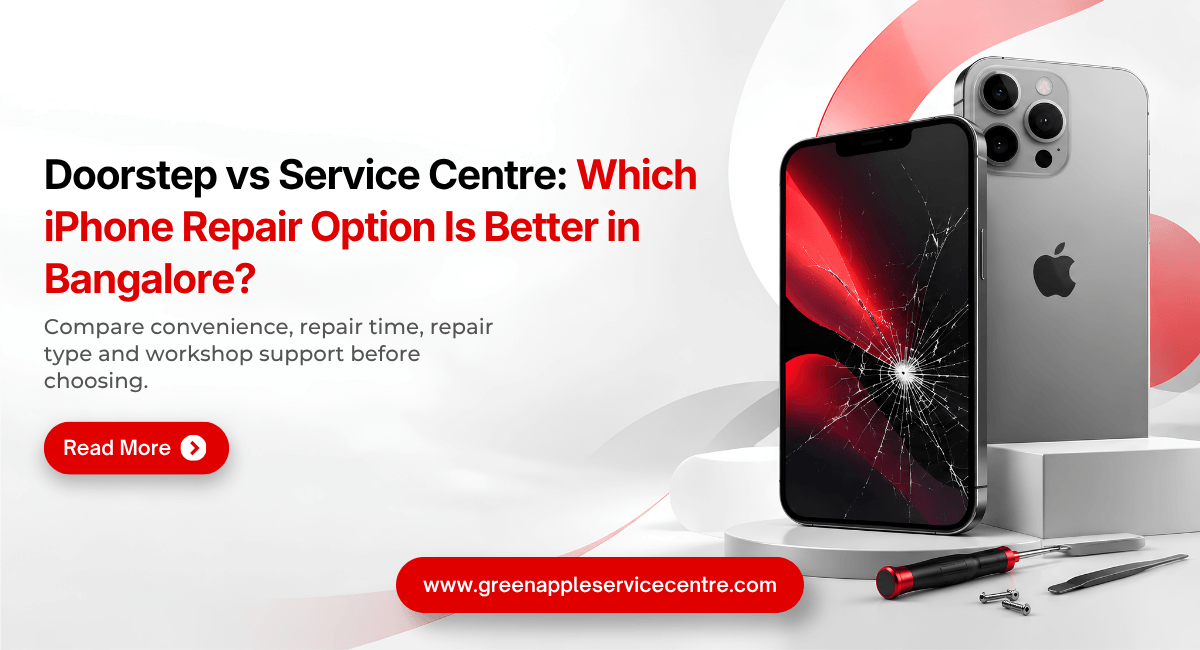
Doorstep iPhone Screen Repair or Service Centre Visit?
Doorstep Repair May Suit You If:
- The problem is mainly screen-related
- You have a busy work schedule
- You prefer service at your home or office
- The required part is available
- The repair can be safely completed on-site
Service Centre Diagnosis May Be Better If:
- The phone is badly damaged
- The frame is bent
- Liquid exposure is suspected
- The phone is not switching on
- Multiple components have failed
- Detailed internal diagnosis is required
Green Apple Service offers doorstep services and pickup/drop options across Bangalore.
What About Apple Warranty or AppleCare?
Before using an independent repair provider, check whether your iPhone has active Apple warranty or AppleCare coverage.
Apple states that Apple-certified repairs covered by its Limited Warranty or AppleCare are performed directly by Apple or an Apple Authorised Service Provider. Independent repair providers may offer their own warranty, but their repairs are not Apple-authorised unless the provider has the relevant Apple status.
Being clear about this distinction helps you choose the repair route that suits your device and coverage.
Get Your Cracked iPhone Screen Checked in Bangalore
A cracked screen does not always mean you need a complete display replacement.
If the picture is clear and touch works properly, the damage may be limited. If you see black patches, coloured lines, flickering, ghost touch or a completely black display, deeper screen damage may be present.
Instead of guessing, get the phone diagnosed first.
For iPhone screen repair in Bangalore, contact Green Apple Service Centre to discuss your iPhone model, screen condition and available repair options.
Green Apple Service Centre
Phone: +91 89511 82986
Website: www.greenappleservice.com
Book Your iPhone Screen Check Today
Frequently Asked Questions
Where can I get trusted iPhone screen repair in Bangalore?
Choose a repair provider that clearly explains the fault, replacement screen quality, warranty and final testing process. Green Apple Service Centre provides iPhone repair, doorstep service and pickup/drop options across Bangalore.
How quickly can I get cracked iPhone screen repair in Bangalore?
Straightforward repairs may be completed on the same day when the correct part is available. Timing depends on the model, damage and whether other problems are found during inspection.
Will my Face ID work after screen replacement?
Screen replacement itself does not automatically mean Face ID will stop working. However, components around the front sensor system must be handled carefully. Test Face ID before accepting the repaired phone.
Will my data be deleted during screen repair?
A standard screen repair usually does not require deleting your data. Still, backing up important photos, contacts and files before any hardware repair is a sensible precaution.
Is it safe to continue using an iPhone with a cracked screen?
A very small crack may not stop the phone immediately, but damage can spread and sharp glass, dust, moisture or touch problems may become concerns. Getting the device inspected early is safer.
Why is there a green line after I dropped my iPhone?
A fall can damage the display panel or its connection. Green, white or pink lines should be professionally diagnosed before any repair is approved.
Do black spots mean my iPhone display needs replacement?
Black or ink-like patches often indicate damage beneath the outer glass. If the patch is caused by internal display damage, complete display replacement may be required.
Can a cracked iPhone screen be repaired without replacing the display?
It may be possible when only the outer glass is damaged and the internal display, touch response, colours and brightness are working properly. A technician should inspect the phone before confirming the repair.

Nishanth Mathur
Hi! I'm Nishanth Mathur, a freelance tech writer and content marketer. I specialize in creating content for tech companies, with a focus on MacBooks and AI technologies. Whether it's writing in-depth articles, crafting engaging marketing content, or exploring the latest in technology, I'm passionate about bringing complex topics to a wide audience.